Component to component
Components that do not share a parent talk through Lightning Message Service in lightning/messageService.
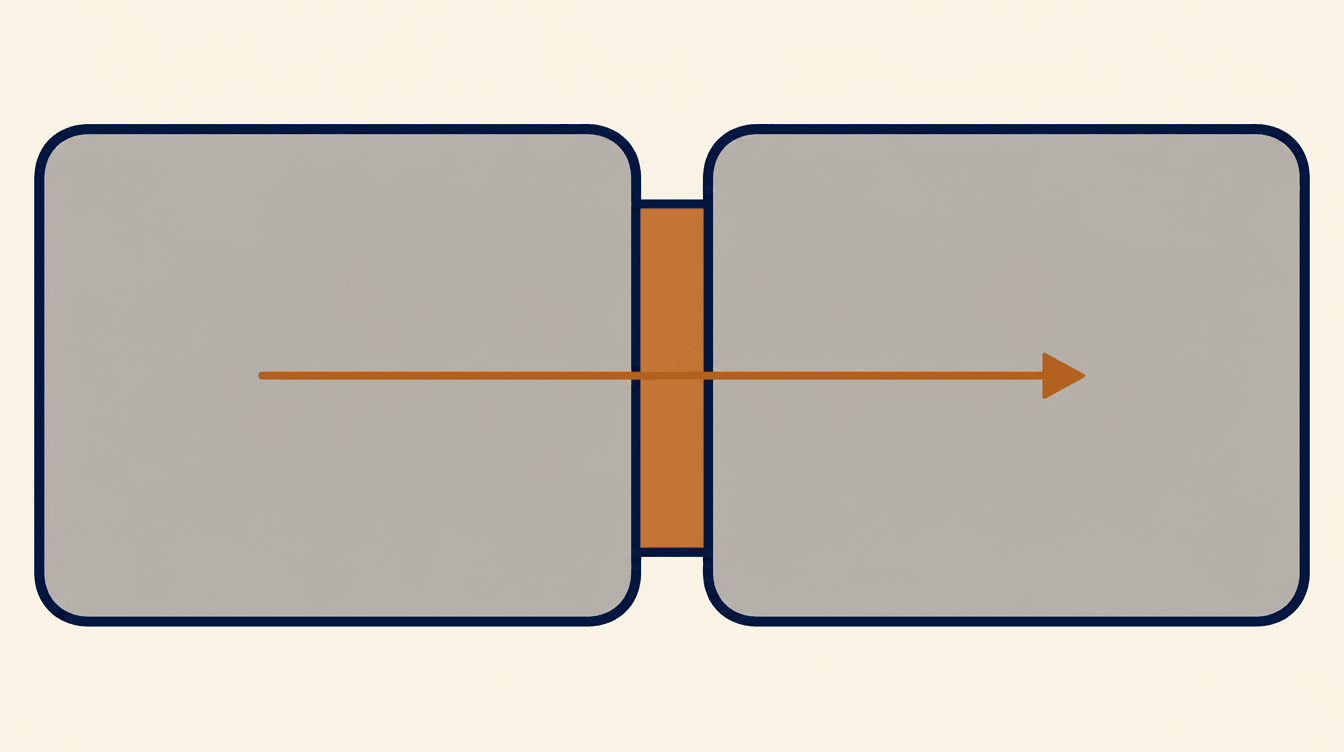
When a message channel fits
A parent and a child should use @api and a CustomEvent. Use a message channel when the two components are not in the same template.
Lightning Message Service works across a Lightning page, including a utility bar and another tab, and across LWC, Aura, and Visualforce in Lightning Experience. It also crosses namespaces.
The channel
Add a LightningMessageChannel metadata file and import it from @salesforce/messageChannel/Stage_Selected__c. The __c suffix is the channel's API name. It is not a custom object.
@wire(MessageContext) gives the component a context. The context is ready after the component is in the DOM. You cannot use it inside constructor.
Publish and subscribe
publish(this.messageContext, channel, payload) sends a plain object. subscribe registers a listener. Call unsubscribe from disconnectedCallback when you subscribed yourself. @wire(MessageContext) releases its own subscriptions when the component is destroyed.
The default scope is the active part of the app. Pass { scope: APPLICATION_SCOPE } only when the subscriber must hear the channel from anywhere in the application. Scoping requires @wire(MessageContext).
Example
javascript
import { LightningElement, wire } from 'lwc';
import { publish, MessageContext } from 'lightning/messageService';
import STAGE_SELECTED from '@salesforce/messageChannel/Stage_Selected__c';

export default class StagePicker extends LightningElement {
  @wire(MessageContext) messageContext;

  choose(event) {
    publish(this.messageContext, STAGE_SELECTED, {
      stage: event.target.value,
    });
  }
}