Decorators
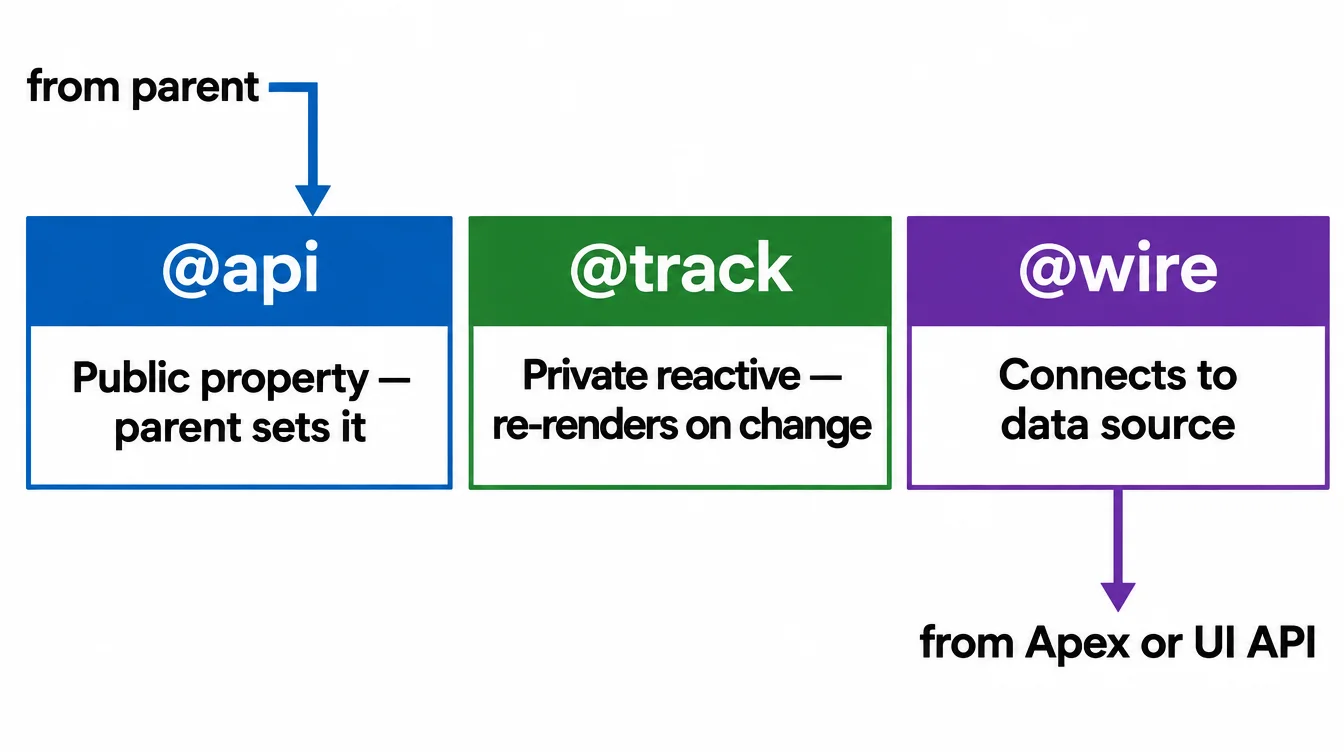
LWC has three decorators: @api exposes a public property, @track makes a private field reactive, and @wire connects a field to a data source.
@api — public properties and methods
Decorate a field with @api to let a parent component set it. The parent writes the attribute in its template: <c-badge label="Active"></c-badge>. The child reads this.label but must not assign to it.
You can also decorate a method with @api. That lets the parent call it directly after it finds the child with this.template.querySelector.
@track — private reactive fields
A plain field re-renders the template when you assign a new value. @track goes one step further: it makes the field deeply reactive, so mutating a property inside an object or pushing to an array also triggers a re-render.
Since Spring '20, primitive fields are reactive by default, so @track is mainly needed for objects and arrays you mutate in place.
@wire — connect to data
Decorate a property or a function with @wire and an adapter. The framework calls the adapter whenever its parameters change, and the result flows into your property or function automatically.
The most common adapters are getRecord from lightning/uiRecordApi and custom Apex methods. The Wire Service topic covers both in detail.
Example
javascript
import { LightningElement, api, track, wire } from 'lwc';
import getAccounts from '@salesforce/apex/AccountController.getAccounts';

export default class DecoratorDemo extends LightningElement {
  @api recordId;           // set by the parent or the record page
  @track filters = {};     // deeply reactive

  @wire(getAccounts)       // auto-called when params change
  accounts;
}